DOWNLOAD FIELDOPSX
Choose your device. Start your field workflow.
Get FieldOpsX Pro for Android from Google Play. For iPhone and iPad, join the TestFlight invitation. Create or sign in to your FieldOpsX account to set up your business.
Android on Google Play. iPhone and iPad access through TestFlight.
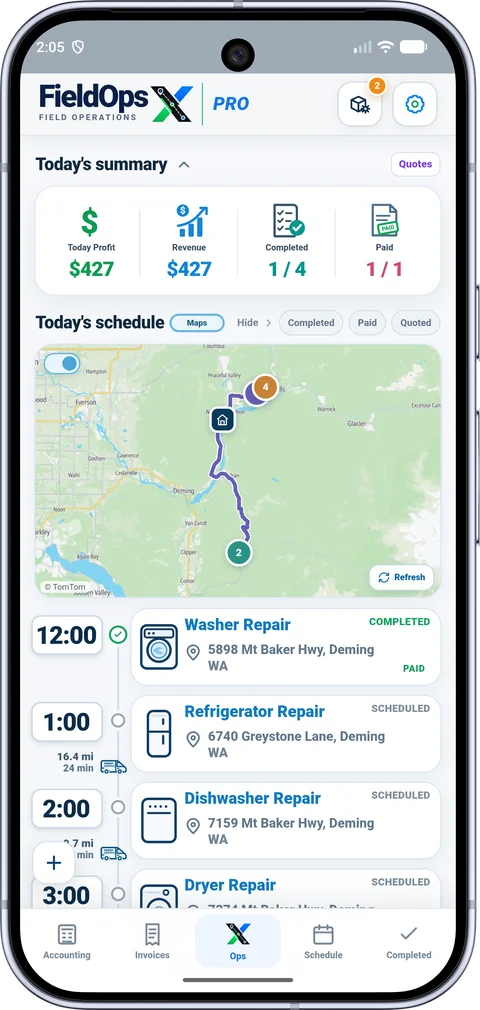
Android on Google Play.
Download the app from the official listing, open FieldOpsX, and follow account and business setup. The app shows the available trial and subscription options before a paid purchase.
iPhone and iPad through TestFlight.
Install Apple’s TestFlight app if needed, then open the FieldOpsX invitation on the device. TestFlight access is distinct from a public App Store release.

One account for your workspace.
Use the same verified FieldOpsX account when opening the app or web workspace. Follow the setup prompts on your phone, and connect the accounting provider your business uses.
PROFESSIONALLY BUILT FOR OWNER-OPERATORS
Keep the work moving.
Choose the workflow that fits your business, then try it with your own working day.