Wave Accounting
Customers, invoices, payments and supported expense/receipt workflows.
Explore wave accountingINTEGRATIONS
Explore the FieldOpsX Pro integrations for Wave Accounting, QuickBooks Online and Square payments, with practical setup guidance and clear workflow requirements.
Android on Google Play. iPhone and iPad access through TestFlight.
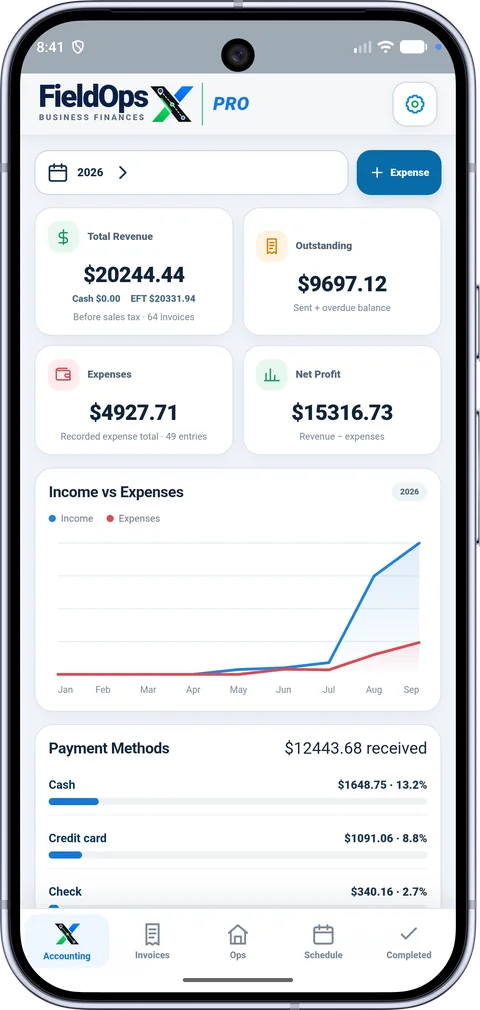
Keep the job in FieldOpsX and use your connected provider for the accounting or payment steps it supports.
Customers, invoices, payments and supported expense/receipt workflows.
Explore wave accountingConnect a company and work with customers, invoices and accounting records.
Explore quickbooks onlineOffer supported card-payment options from your invoice workflow.
Explore square paymentsChoose the correct business, tax definitions and accounts before posting. A saved local record is not the same as a provider-confirmed transaction; review any pending or failed action before retrying.
Wave Accounting and QuickBooks Online connect your job records with accounting workflows. Square provides a card-payment option for invoices. Open each integration page to review its setup and requirements, then connect the account your business already uses.
Confirm the selected business or company, review tax and account mappings, and test the workflow with a record you can identify. Check its status after saving. A record can be available in FieldOpsX while its provider action is still waiting for a connection or confirmation.
PROFESSIONALLY BUILT FOR OWNER-OPERATORS
Choose the workflow that fits your business, then try it with your own working day.